Cooling Fans

1SET CF-12915S 3070 GPU Fan,For INNO3D RTX 3060 Ti、3070、3070 TI、3080、3080 Ti、3090 ICHILL X3 Video Card Cooling Fan

Power Train Z-X5 DDR4 DDR5 Bracket RAM Heatsink Cooler 4Pin PWM 5V 3Pin ARGB PC Memory Cooling Radiator Dual Fan

NEW 1LOT 75MM FD8015H12S FD7010H12S AMD VII GPU Fan,For XFX RX Radeon VII、ASUS RADEONVII-16G Graphics Card Cooling Fan
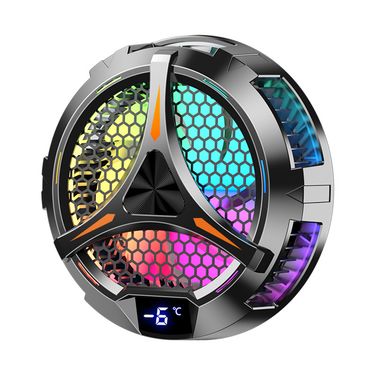
27w Colorful Lighting X42 PC Magnetic Peltier Large Size Semiconductor Tablet Cooler Radiator

COOLCOLD F15 Gaming RGB Laptop Cooling Pad 15 Quiet Fans For 12-17.3 Inch With USB TYPE-C Port Notebook Cooler Stand
27w Colorful Lighting X42 PC Magnetic Peltier Large Size Semiconductor Tablet Cooler Radiator
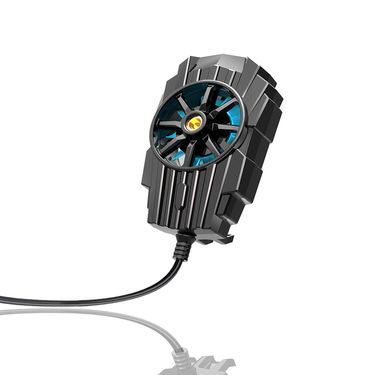
USB Powered Mobile Phone Heat Dissipation Cooling Fan Back Clip Game Cooler Cell Phone Cool Heat Sink For IPhone/Samsung/Xiaomi

120mm RGB PC Computer Ultra Silent 15 LEDs Cooling Fan Radiator 12V Computer Fan DC Heat Dissipation Fan

Jonsbo ZL-120W ARGB 120mm CPU Cooling Fan 4PIN PWM Temperature Control ZL-120BR Forward/Reverse Computer Case Fans

5-Way 4Pin CPU Cooler Case PWM Cooling Fan Power Cable Hub Splitter Adapter

Aluminum ARGB M.2 SSD Disk Heatsink Cooler 5V 3Pin NVME NGFF M2 2280 Solid State Hard Drive Radiator Cooling Thermal Pad

6 Copper Tube Computer Cooler 1851 AMD 2011 Multi-Platform Temperature Control Silent 12cm Tower Dual CPU Fan
120mm RGB PC Ultra Silent 15 LEDs Cooling Radiator 12V Computer DC Heat Dissipation Fan
6 Copper Tube Computer Cooler 1851 AMD 2011 Multi-Platform Temperature Control Silent 12cm Tower Dual CPU Fan

Magic Space X600 CPU Cooler 6 Heat Pipes ARGB 12CM Fan LGA1200/1700 Bracket AM4 AM5
120mm RGB PC Ultra Silent 15 LEDs Cooling Radiator 12V Computer DC Heat Dissipation Fan
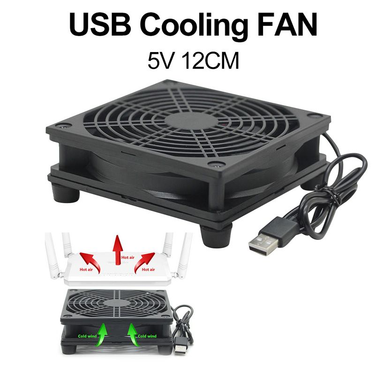
12cm 5V USB Power Supply TV Set-Top Box Router Radiator Cooler Air Cooling Fan
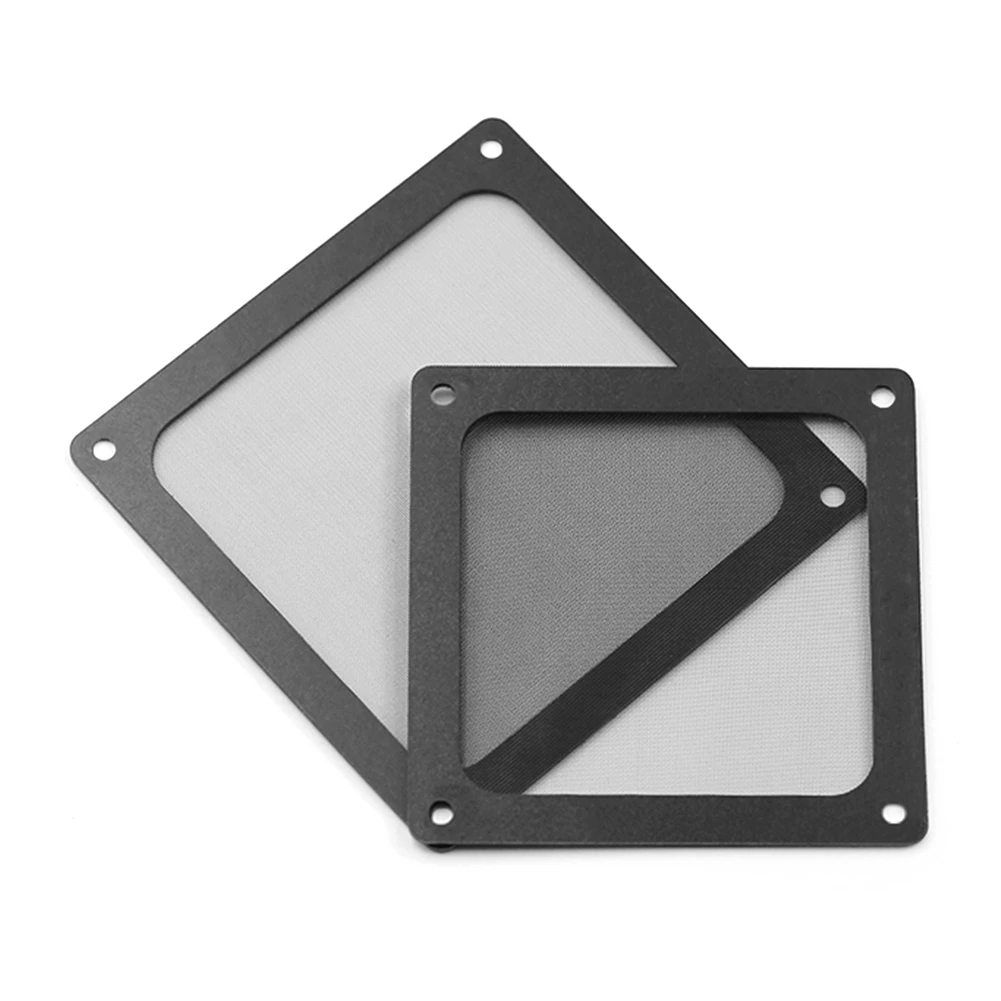
12*12CM/14*14CM PC Chassis Cooling Dust Filter Magnetic PVC Net Guard Fan Cover Dust Filter Antidust Net 8*8CM For Computer

New Original CPU Cooling Fan Cooler Heatsink For Lenovo ThinkPad Carbon 9th X1 Yoga 6th Gen 2021 Laptop 5H40W36671

Z-X3 Router Radiator Base Optical Cat Set-top Box MINI Host Bracket 14CM Fan
Cooling Fans for Stable PC Performance and Better Airflow
When your PC starts sounding like it’s preparing for takeoff, and your desk area feels warmer than it should, you need to buy a cooling fan and cooling pads for your device. Most of us notice heat only when it becomes annoying—lag during a task, a sudden spike in fan noise, or the case feeling oddly hot.
Once your system is running cooler, you'll work better. Get trendy laptop and PC accessories in Voghion.
Why Proper Cooling Matters for Every Computer Build
Sometimes it’s slowly building up while you’re working with 30 browser tabs open, exporting files, or letting a game download in the background. When airflow is weak, warm air hangs around inside the case, and your components are basically re-heating the same air over and over.
With a solid computer cooling fan moving air the way it should, hot air will be pushed out more consistently. Paired with a laptop cooling pad or tablet stand, your device will never run slowly.
Key Benefits: Lower Temperatures, Longer Component Lifespan
When your system is running cooler, it tends to behave better. Even better, the whole setup can feel calmer—less fan ramping and fewer temperature swings.
A reliable pc cooling fan also reduces long-term heat stress on parts that are expensive to replace. That matters if you’re keeping your build for years, or if you’re already noticing temps creeping up with time.
Noise is part of the story too. Fans that move air efficiently can often spin at lower speeds, which means your PC will stay quieter while you’re gaming, rendering, or just trying to focus. Try our silent wireless keyboard and ergonomic gaming mouse, you will get a better gaming experience.
Common Use Scenarios: Gaming, Workstations, and Daily PCs
Maybe you’re spending evenings in games where your GPU is running close to its limit, and your system is heating up after an hour or two. In that case, a strong cooling fan for pc will help keep performance steadier while you’re deep into longer sessions.
Work machines can get just as hot. If you’re editing video, doing 3D work, running VMs, or compiling code while a bunch of apps are open, your components are working continuously, and airflow will matter more than you think.
Even for a daily PC, cooling still helps. If your computer is sitting under a desk, near a wall, or in a warmer room, heat can build up gradually.
Choosing the Right Fan Size, Speed, and Airflow Type
Larger fans often move more air at lower speeds, so you can get good airflow without constant noise. Thin designs are trapping heat easily, especially when you’re working for hours. A laptop cooling fan can help reduce that uncomfortable warmth under your hands.
If you’re also trying to make your setup more comfortable, a laptop stand with cooling fan can pull double duty: it improves airflow while raising the screen to a better angle, which your neck and shoulders will appreciate later.
FAQs
Will it be loud?
It depends on airflow planning. When cooling is efficient, fans won’t need to spin aggressively, so noise stays more controlled. If your PC is currently ramping up a lot, better airflow can actually make it quieter overall.
Is installation hard?
Usually it’s straightforward, although you’ll want to check case clearance, mounting points, and connectors. When you’ve matched the fan size to your case and planned intake/exhaust, setup tends to go smoothly.
What should I watch out for?
Dust buildup and poor placement. Even strong fans struggle when filters are clogged or airflow is blocked. If you keep things clean and plan airflow direction, your cooling will stay reliable for the long run.