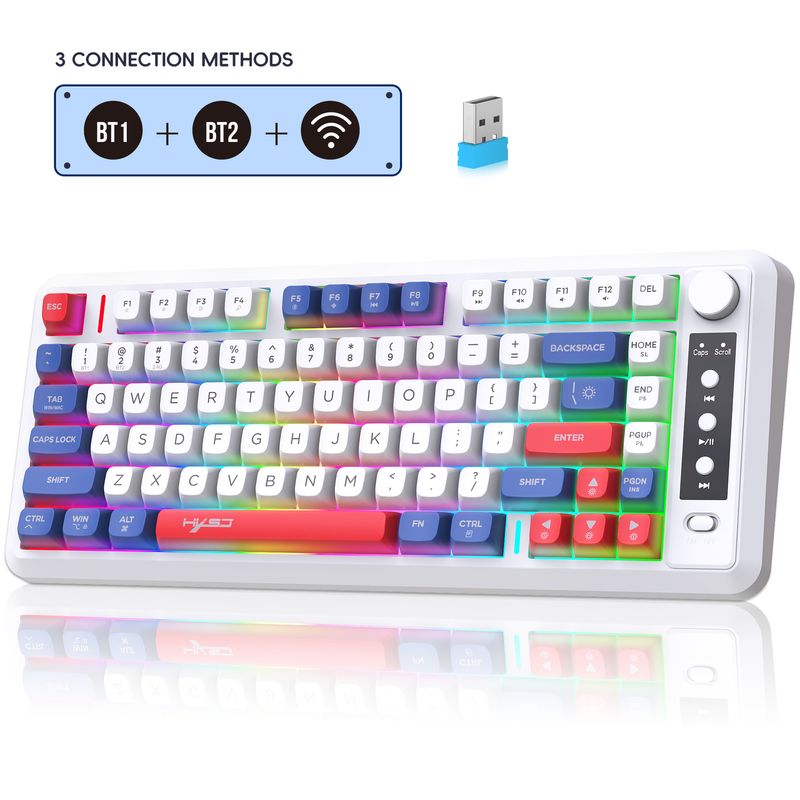
Full View
Similar items
ATTACK SHARK X68HE Magnetic Keyboard And Keycaps Set For Pro Gaming 0.01mm Rapid Trigg 8000Hz SOCD/Rs 0.125ms 128K
RON82.29
RON97.62 -15% OFF

T-WOLF Thunder Wolf T50 True Mechanical Keyboard Blue Axis Double Color 97 Key Customized Gaming RGB Retro Keyboard
RON59.29
RON71.93 -17% OFF
T-WOLF Thunder Wolf T50 True Mechanical Keyboard Blue Axis Double Color 97 Key Customized Gaming RGB Retro Keyboard
RON56.74
RON73.39 -22% OFF
Dual-mode 2.4G Wireless Dual Bluetooth 5.0 102 Keys Rechargeable Keyboard For MacBook Tablet PC Accessories
RON44.80
RON45.31 -1% OFF
Wired 61 Keys Thin Keyboard White Black Compact Gaming Keyboard Keyline Separation Mechanical Handheld Notebook Desktop
RON62.89
RON77.79 -19% OFF
Designer Keyboard IP98 Mechanical Feel Waterproof Computer Gaming E-sports High Appearance Wired Silent Keyboard
RON35.66
RON43.22 -17% OFF
3-Folding Mini Wireless Foldable Dual Bluetooth Keyboard With Touchpad For Windows Android IOS IPad Phone
RON53.29
RON71.65 -25% OFF
Attack Shark X66 Gasket Wireless Mechanical Gaming Keyboard With Volume Knob RGB Backlit Side Printed PBT Keycaps
RON77.00
RON123.30 -37% OFF
Hot selling recommended three-fold wireless Bluetooth keyboard with press touch pad multi-system mobile phone Tablet computer
RON75.61
RON101.03 -25% OFF
English Bluetooth IPad Pro Air Mini Wireless Rechargeable Touch Gestures Keyboard For Tablet Laptop Phone Universal
RON35.35
RON48.75 -27% OFF
Three Mode Bluetooth Wireless Thin Film Keyboard Double Color Ball Cap 81 Keys Rechargeable Flashing Office Game Keyboard Spot
RON325.62RON446.00
Color : L400 BlackBerry Powder Three Mode[BT1+BT2+2.4G] Gradient Color 81 Key Film Keyboard


Quantity :

Report
Include copyright infringementFree Standard Shipping. See details
Estimated between Wed, Aug 5 and Tue, Aug 11
You can return the product within 30 days of receipt. See details
Shop with confidence

Money Back Guarantee
Get the item you ordered or your money back. Learn more
About this item
Sourced from Celeritas Tech
Seller assumes all responsibility for this listing.Item number: 30275619
Item specifics
Features
Rgb, Single Light, Mixed Light, Matt
Axis
Red Axis, Green Axis, Black Axis, Tea Axis
Numeric Keypad
Yes, No
Connection
Wireless, Wired, Bluetooth
Size
<100Mm, 100Mm-120Mm, 121Mm-130Mm
Item description from the seller
Product parameters:
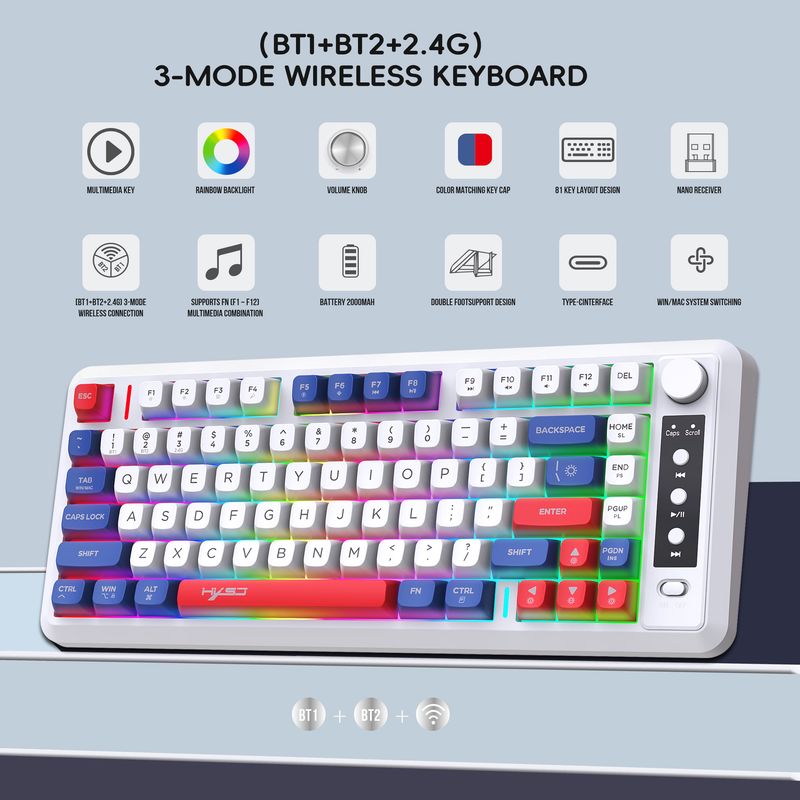
Product name: L400 Three mode Wireless Keyboard
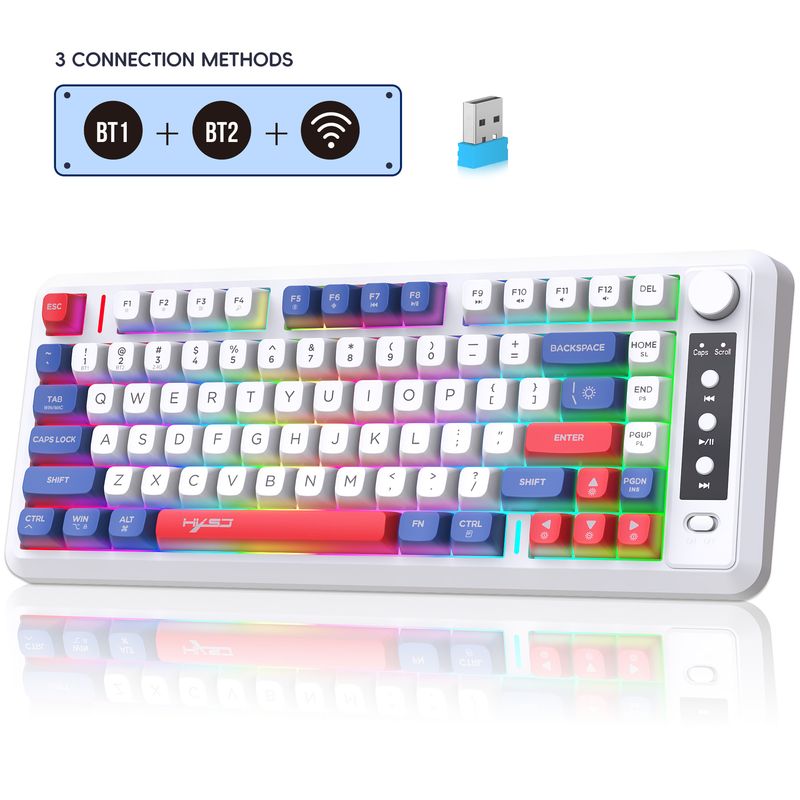
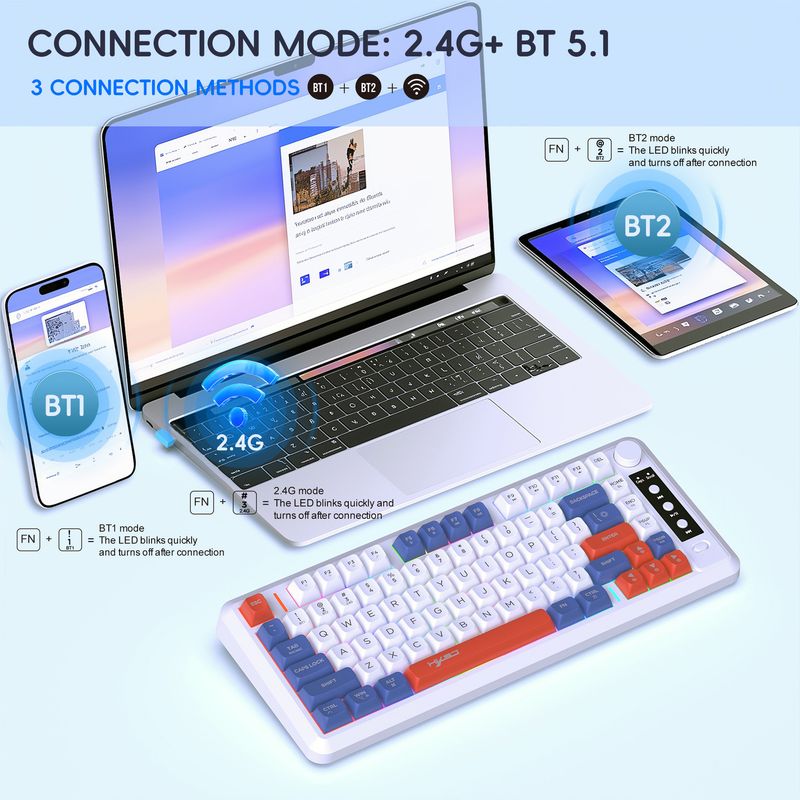
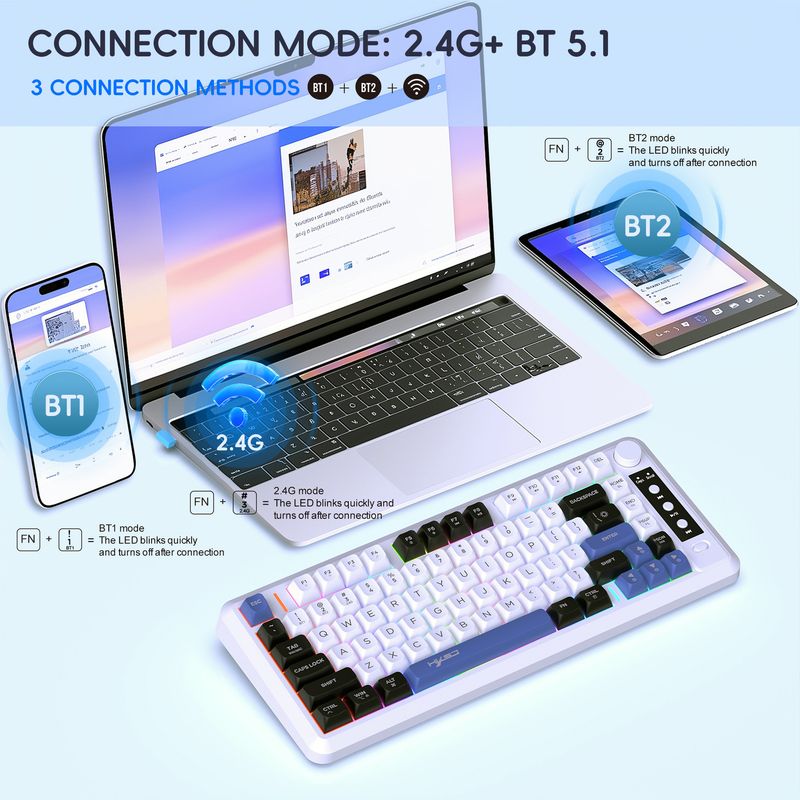
Connection mode: 2.4G+BT1+BT2
Number of keys:81Keys
Mcu: HS6621DQ
Return rate: 133Hz
Charging current: maximum 560mA
Voltage/current: 3.7V/50mA
Button life:50 million times or more
Keycap material:ABS
Charging interface: USB to Type-C conversion(1.5M)
Luminous Type:Rainbow backlight
Keyboard type:Membrane keyboard
Number of conflict free keys: 24 keys without conflict
Battery capacity: 2000mAh
Bluetooth, 2.4G mandatory code matching mode: Esc+Q
Supports connecting 2.4G and two Bluetooth devices, with a wireless transmission distance of 10 meters
Product size:35.9x14.6x4.3cm
Product weight:579g
Packaging size:38.5x17x4.5cm
Packaging weight:785g
Products include:
1* L400 three mode Wireless Keyboard
1* USB receiver
1* USB to TYPE-C charging cable(1.5M)
1* Instruction manual
System Requirements:
Windows 98/Me/2000/XP/Vista/ Win 7/Win8/Win10/Win11 or Mac IOS and Linux latest.
Sleep mode:
The backlight remains on during normal use, and automatically turns off after 60 seconds of no one using it, entering an idle state (triggering any key to turn on the backlight).
After 10 minutes, it will enter sleep mode and needs to be awakened to use.
How to use:
First, turn the power switch to the "ON" position and turn on the power switch
BT1 mode wireless connection:
After pressing the FN+1 button, connect to the BT1 wireless connection mode. The red indicator light in the upper right corner will flash rapidly, and you can search for the connection name "BT Keyboard". Click to connect to the "BT Keyboard", the indicator light will turn off after connection, the keyboard light will light up normally, and the keyboard can be used normally.
BT2 mode wireless connection:
After pressing the FN+2 button, connect to the BT2 wireless connection mode. The blue indicator light in the upper right corner flashes rapidly, and the connection name can be searched for as "BT keyboard". Click to connect to the "BT keyboard", the indicator light will turn off, the keyboard light will be on normally, and the keyboard can be used normally.
2.4G mode wireless connection:
Press FN+3 to switch to 2.4G wireless connection mode, and the green indicator light in the upper right corner will flash quickly. After inserting the blue USB receiver into the computer, the 2.4G indicator light will turn off and the keyboard light will light up normally. The keyboard can be used normally.




Videos
Videos for this product