

Full View
Similar items
MRSVI I8 2.4G Mini Wireless Keyboard 2.4GHz Air Mouse Remote Touchpad For Android Box PC Smart TV
RON37.88
RON52.65 -28% OFF

HKYC Mini Two Fold The Third Mock Examination Bluetooth 2.4G Keyboard And Mouse Set Type-c Charging Tablet
RON45.01
RON64.45 -30% OFF
EPOMAKER AULA F75 ISO-ES 75% Spanish QWERTY Hot-Swap Gasket-Mounted Wired/Bluetooth/2.4GHz Wireless Mechanical Gaming
RON107.25
RON139.40 -23% OFF
KEBIDUMEI Bluetooth Foldable MIni With Touchpad Rechargeable Wireless Keyboard For IOS Android Windows Ipad
RON42.85
60% Gaming Keyboard And Mouse Set Gamer White Key Board Combo Computer Wired Keyboards Mouses Office Teclado For Laptop
RON58.58
RON89.34 -34% OFF
Keyboard Designer Ling Key Real Mechanical Keyboard Wired 87/104 Key Luminous Green And Black Tea Shaft Wired Keyboard
RON68.69
RON96.72 -28% OFF
SayoDevice Rapid Trigger Magnetic Switches RGB Music Game Volume Knob For O3C DJMAX SDVX Geometry Dash Office Keyboard
RON59.29
2.4G And Set Gaming Keyboard Combo Wireless Mouse For Laptop Desktop PC Accessories
RON54.21
RON81.02 -33% OFF
Original Mouse Cute Cat Mousepad 400x900cm Large Keyboard Mats Kawaii Mat Company Desk Pad For Gift Mousepads
RON37.08
RON44.59 -16% OFF
IMICE Game Special 98 Keys With Wired Metal Mechanical Keyboard GK-500 Color Matching Keycap Full Key Without Punch
RON69.97
RON102.36 -31% OFF
3 Modes Wireless Bluetooth Transparent Gaming Mouse DPI Adjustable Rechargeable Battery Display Silent Mice For PC Ipad
RON211.25RON307.07
Color : Gray

Quantity :

Report
Include copyright infringementFree Standard Shipping. See details
Estimated between Thu, Aug 6 and Wed, Aug 12
You can return the product within 30 days of receipt. See details
Shop with confidence

Money Back Guarantee
Get the item you ordered or your money back. Learn more
About this item
Sourced from TechNex
Seller assumes all responsibility for this listing.Item number: 39286054
Item specifics
Size
Full-size
Key type
Mechanical Switches
Switch Type
Linear, Tactile, Clicky
Compatibility
Windows, macOS, Linux
Connected devices
1
Illuminated Keys
YES
Connectivity
Bluetooth, Logi Bolt USB
USB Type
USB-A
Logi Options
Yes
Item description from the seller
Notes:
1.Please fully charge the mouse before using it for the first time.
2.The battery indicator light turns on while in use and then flashes when the mouse is low on battery.
3.If your computer has a Type-C port, you need to plug the Type-C adapter into your computer first, and then plug the USB receiver into the Type-C adapter.(Type-C adapter not included)
About this item
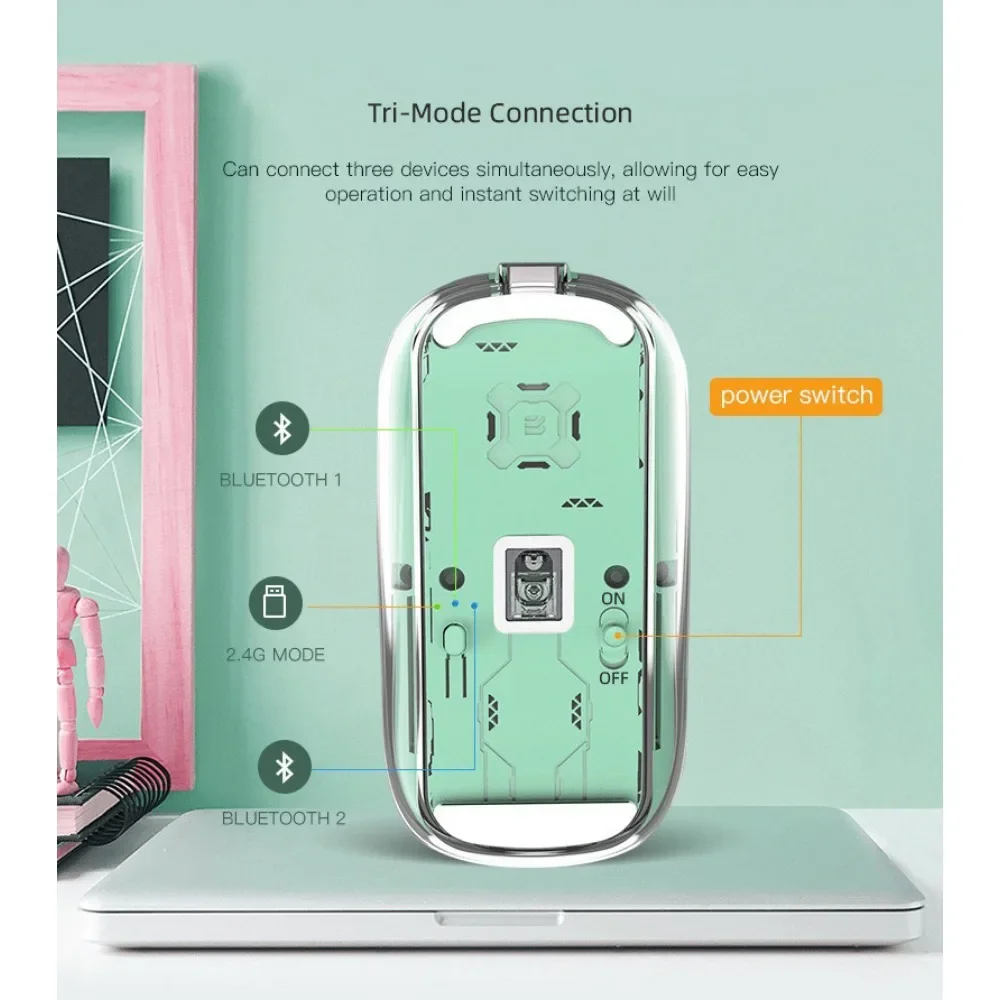
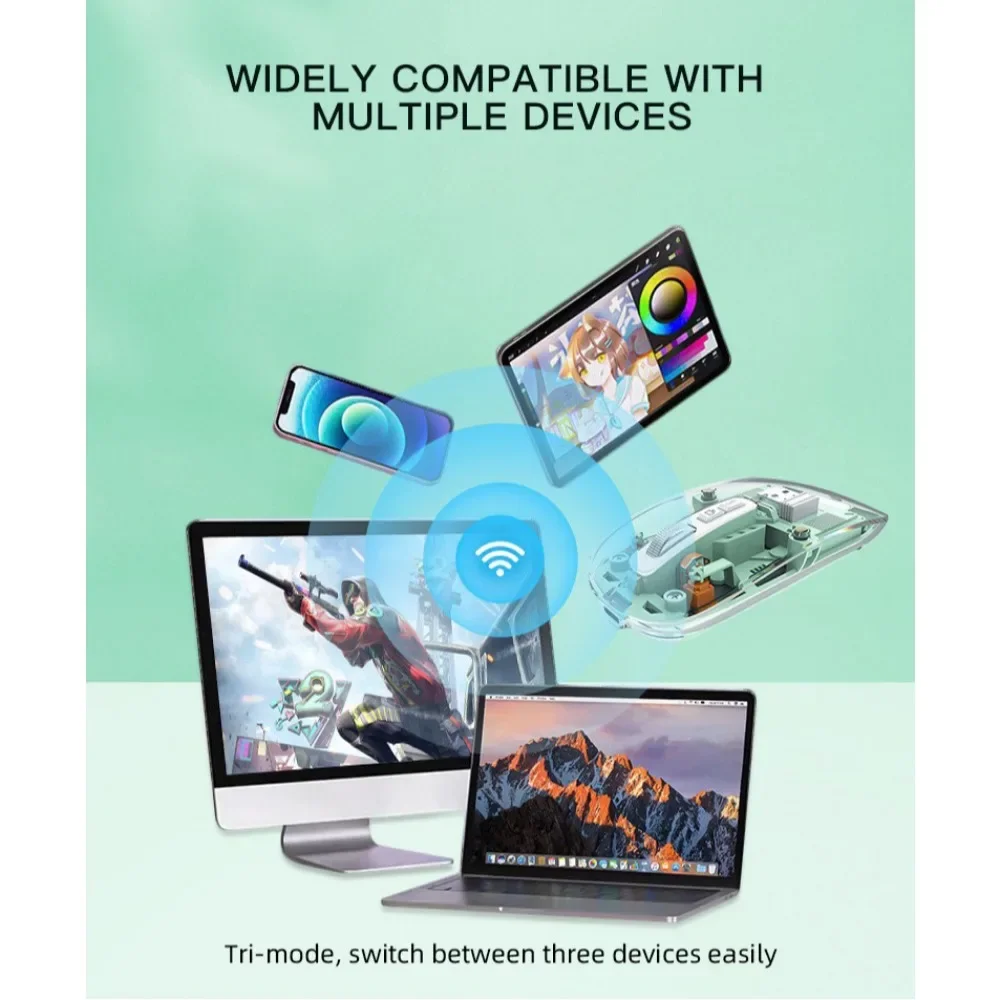
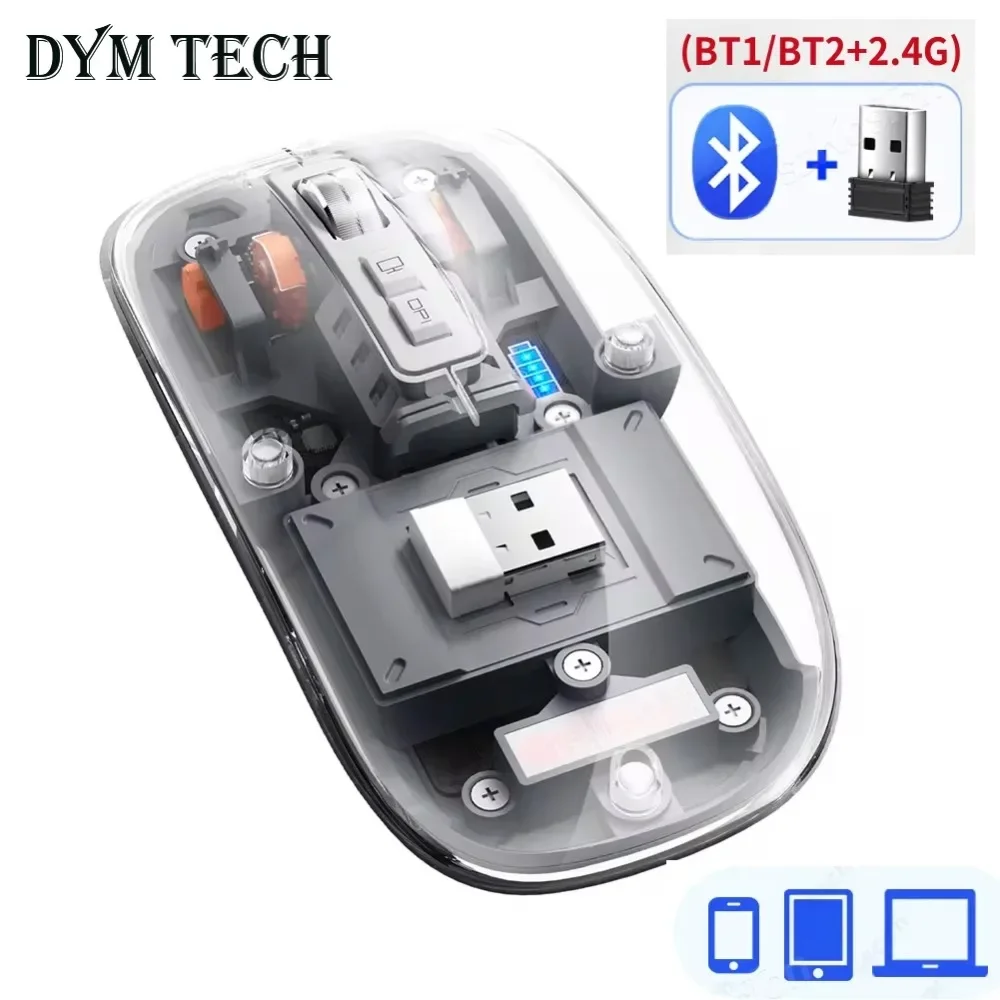
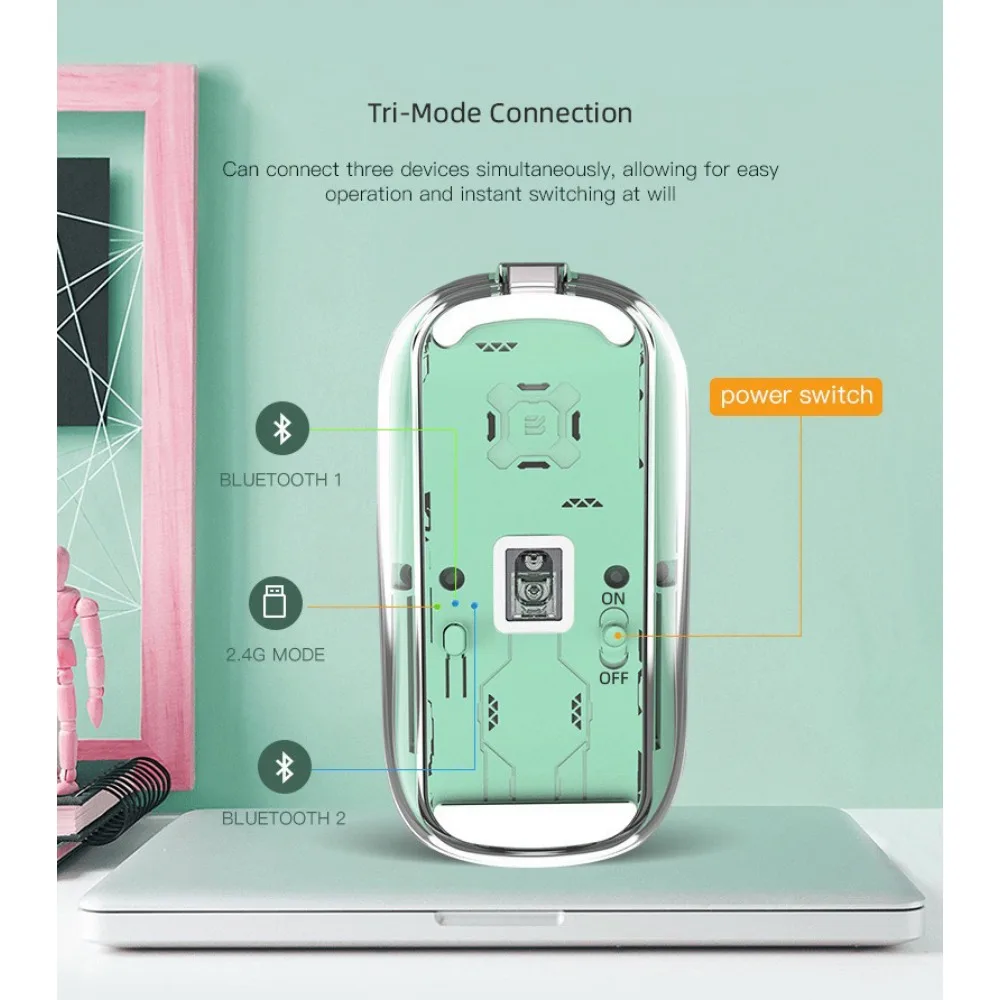
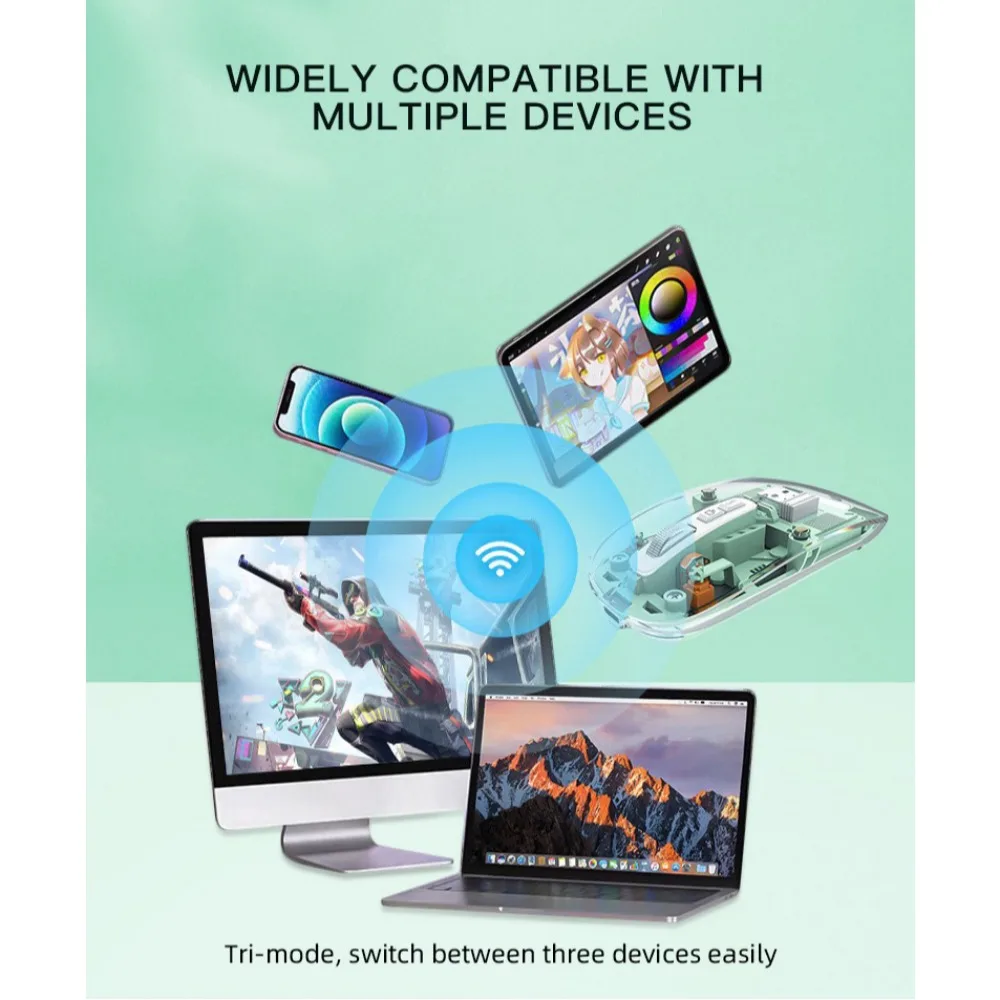
Tri Mode Connection: The BT1 + BT2 and USB 2.4GHz connections allow you to connect up to 3 compatible peripherals.You can switch by clicking the switch button on the bottom of the mouse.Bluetooth mode works with Windows, Android, MAC OS, iPad iOS 13 and above systems, 2.4GHz mode works for devices with a USB port.
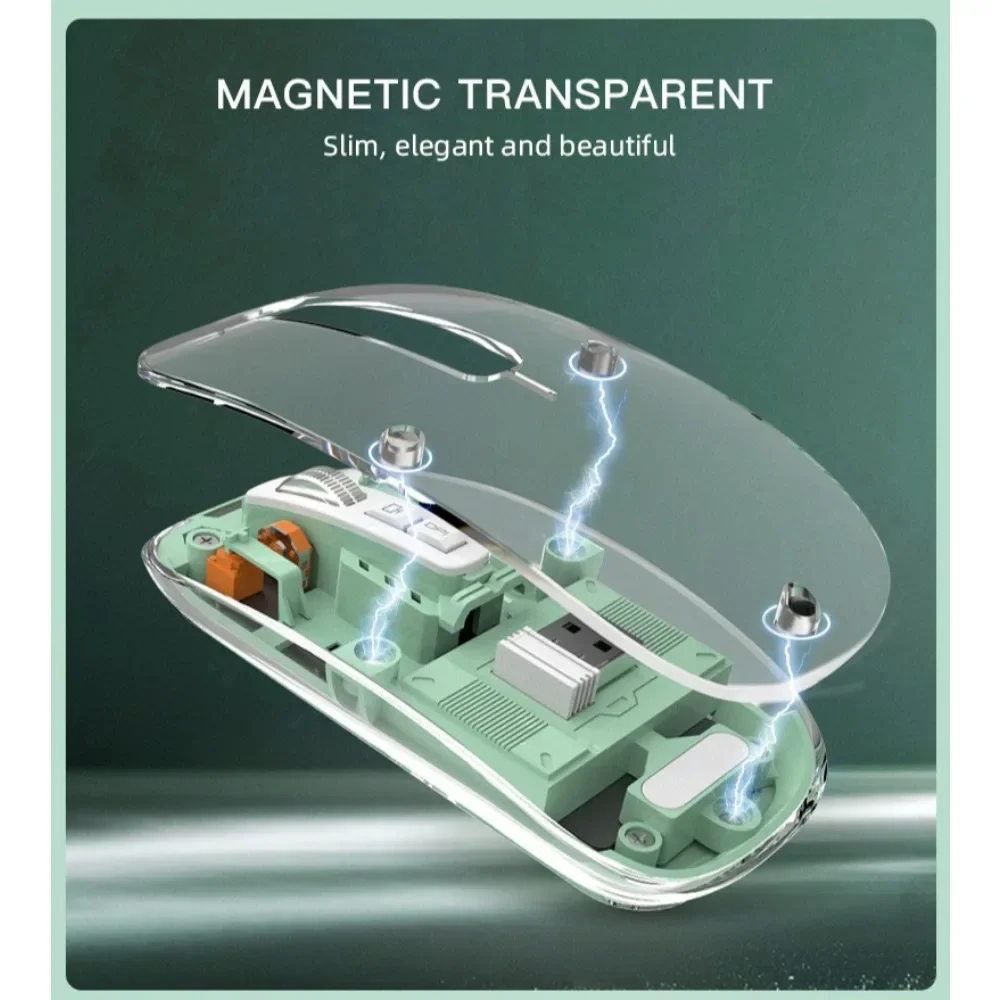
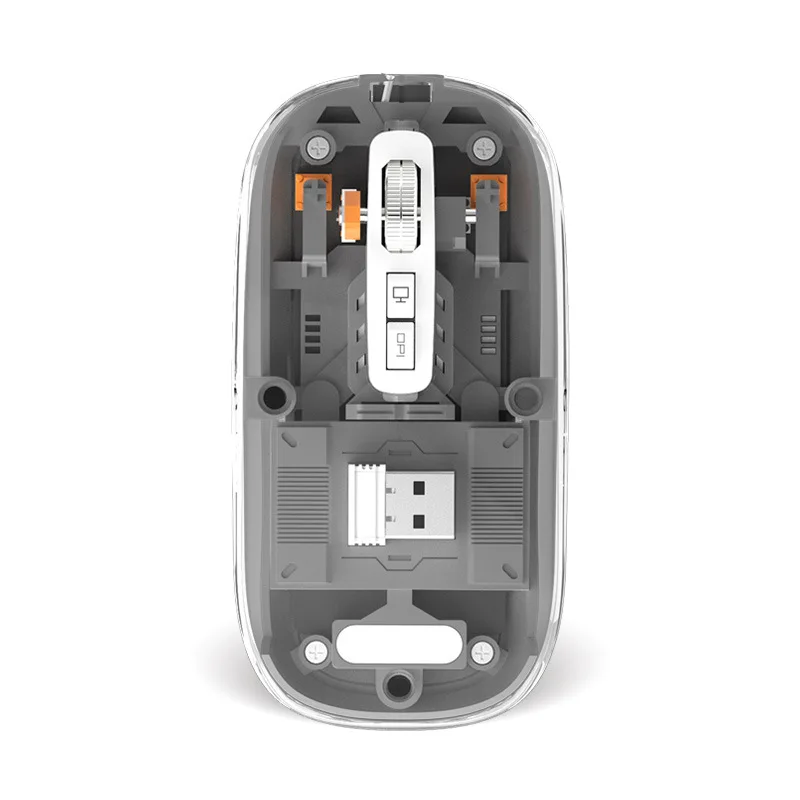
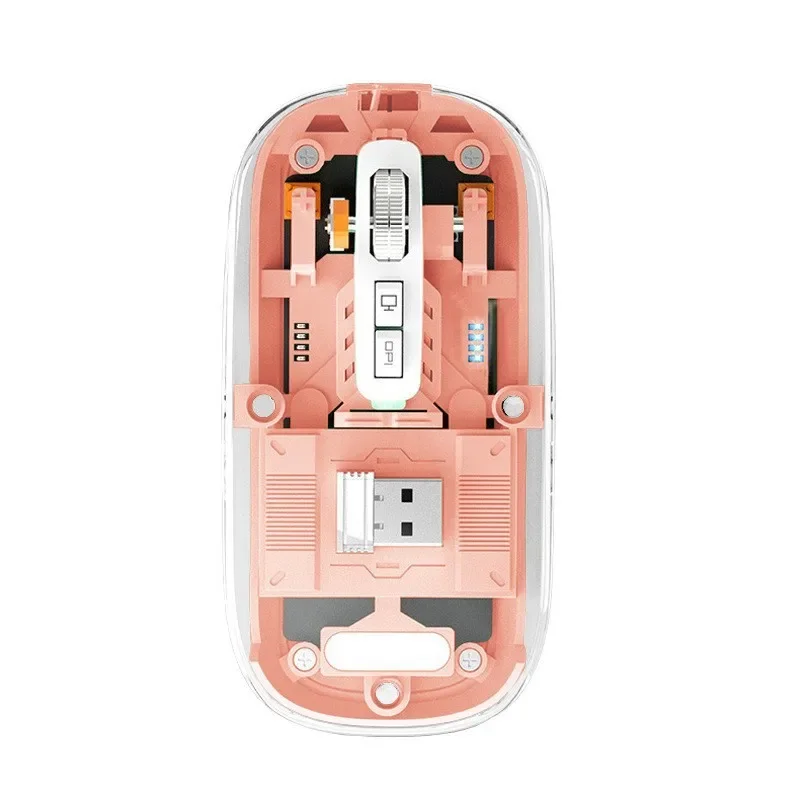
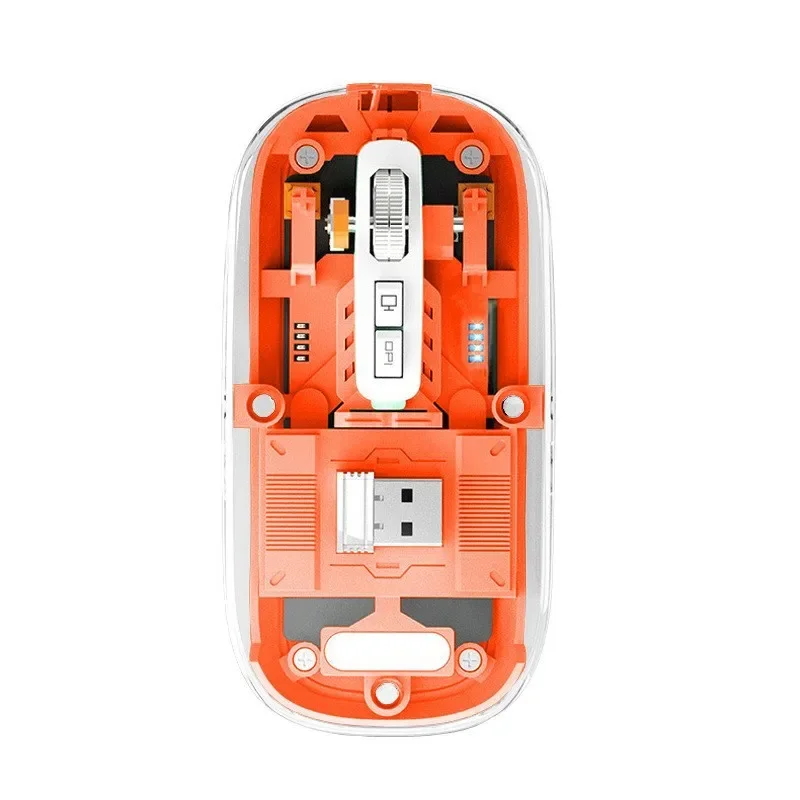
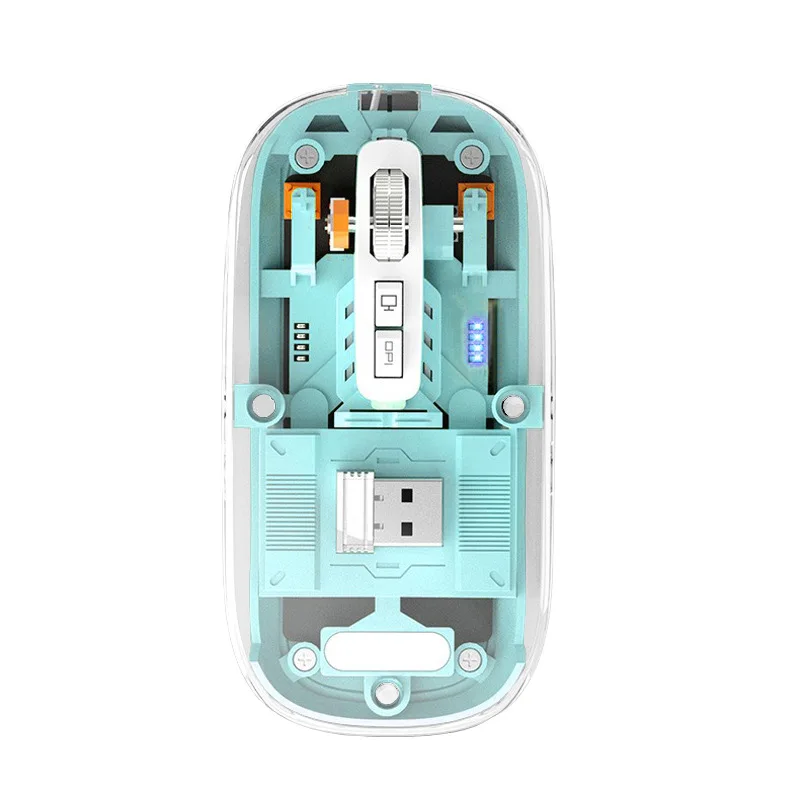
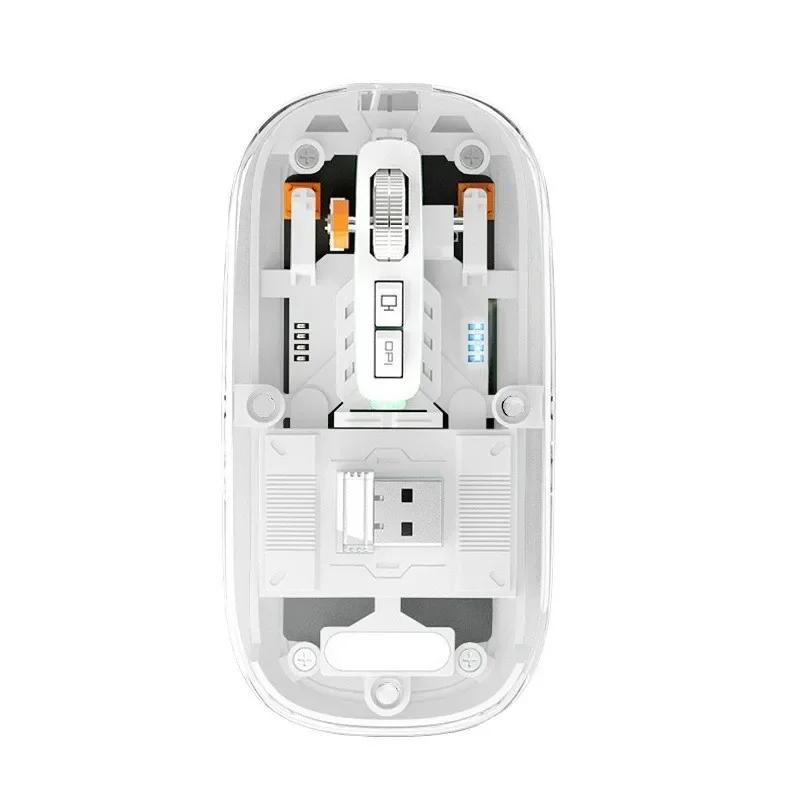
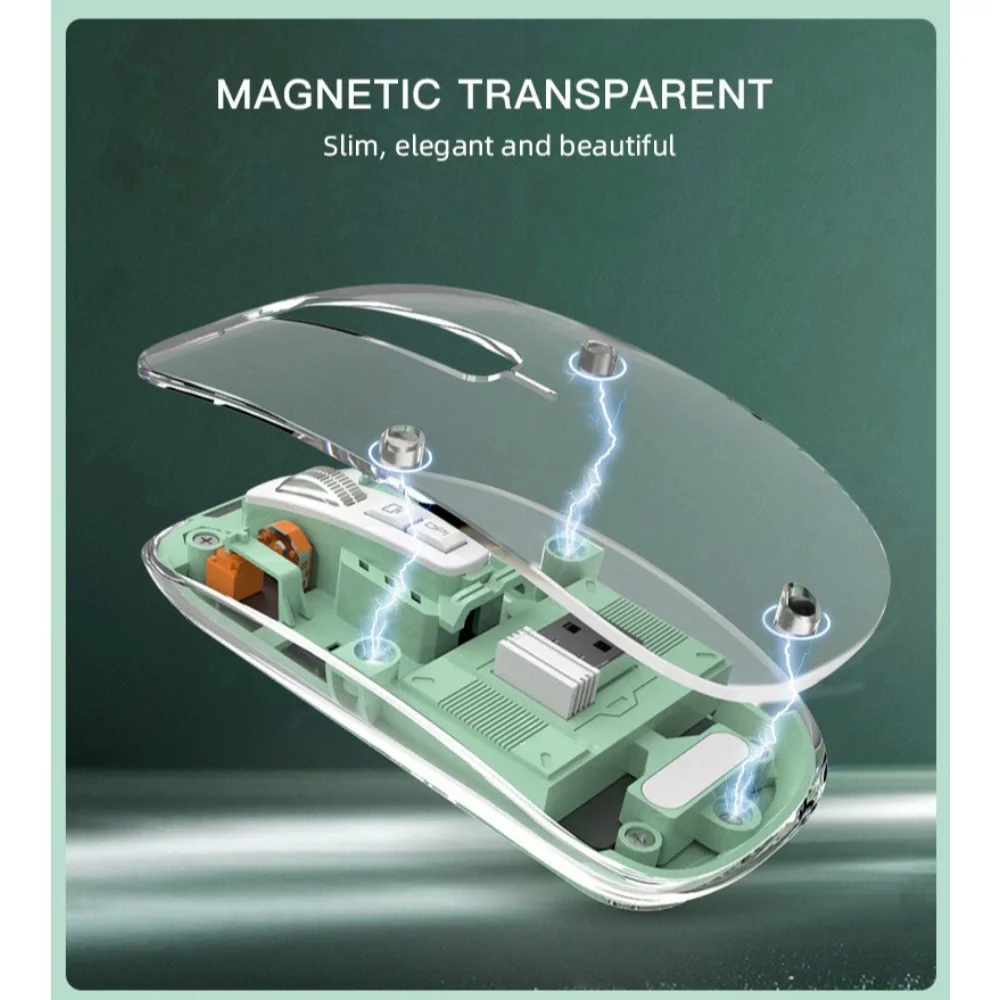
Full Transparent: The magnetic design of the mouse shell creates a secure attachment. Unique fully transparent design brings you even more hi-tech mouse enhancements.
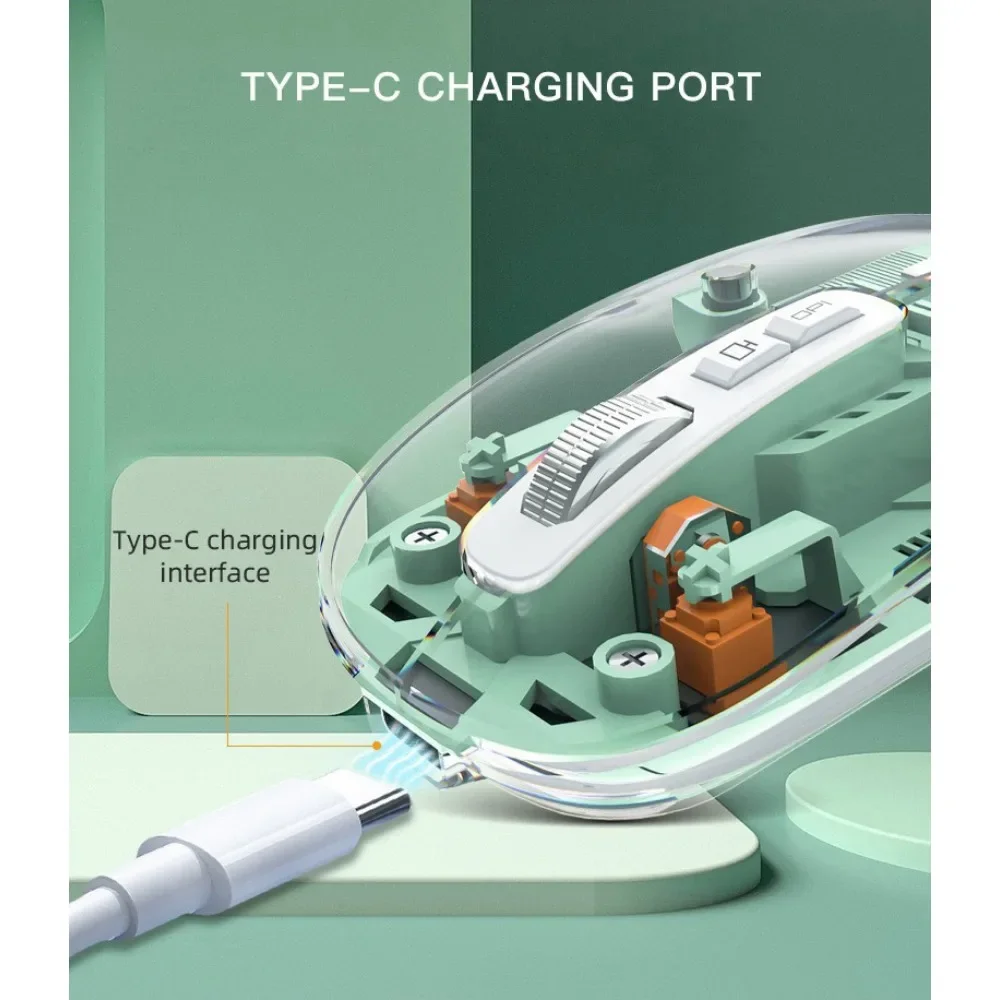
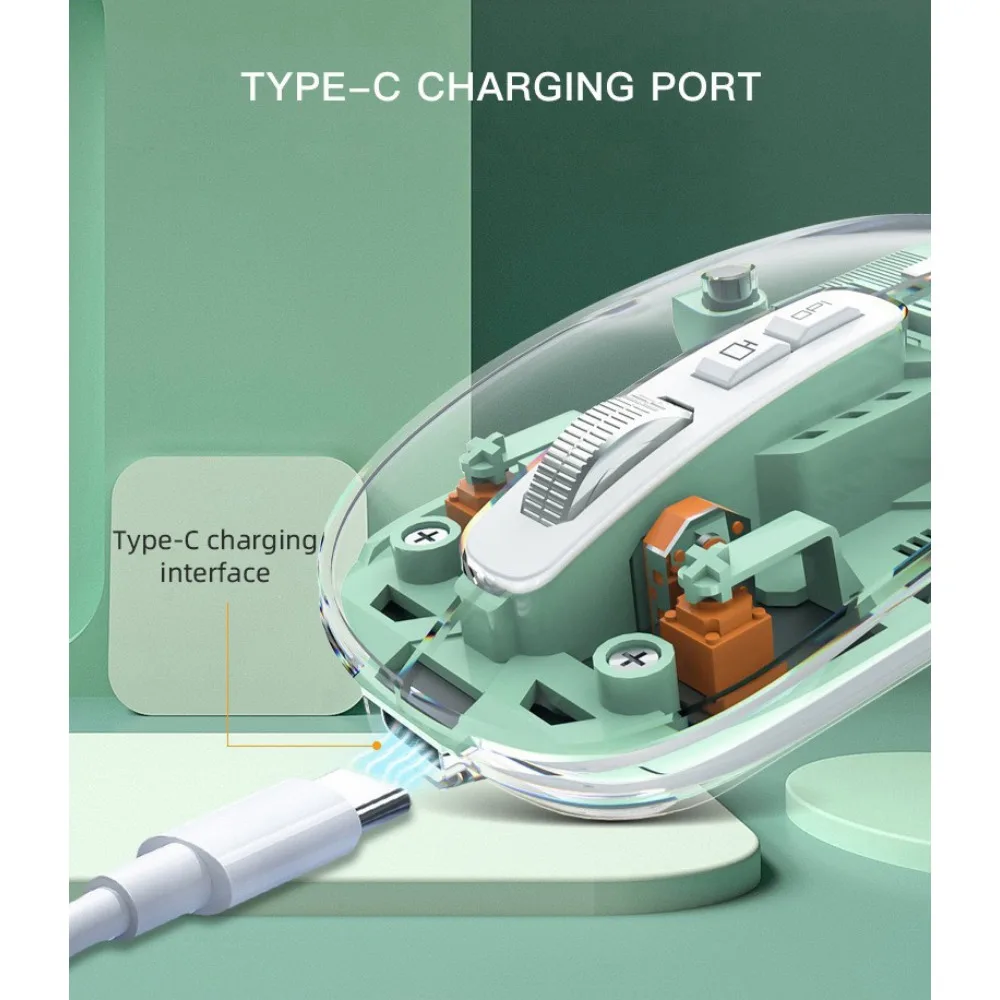
USB C Rechargeable: This wireless mouse has a built-in rechargeable battery, simply charge the mouse with the Type C charging cable (included), no need to change.
batteries.The battery indicator light shows the current battery level, and it flashes while charging or when the mouse needs charging.Szkoston
One Click Back to Desktop: One-click-desktop is a shortcut button on this Bluetooth mouse.For Windows, just one click returns to the home page, convenient for privacy protection.(2) For Mac, it's equivalent to⌘D shortcut key combination.
3 Adjustable DPI: 3 adjustable DPI levels (1000-1200-1600) allows you to change the speed and sensitivity of the mouse cursor.
Ambidextrous Mouse: This ambidextrous wireless mouse is designed for comfort and extended use, suitable for both right-handed and left-handed use.
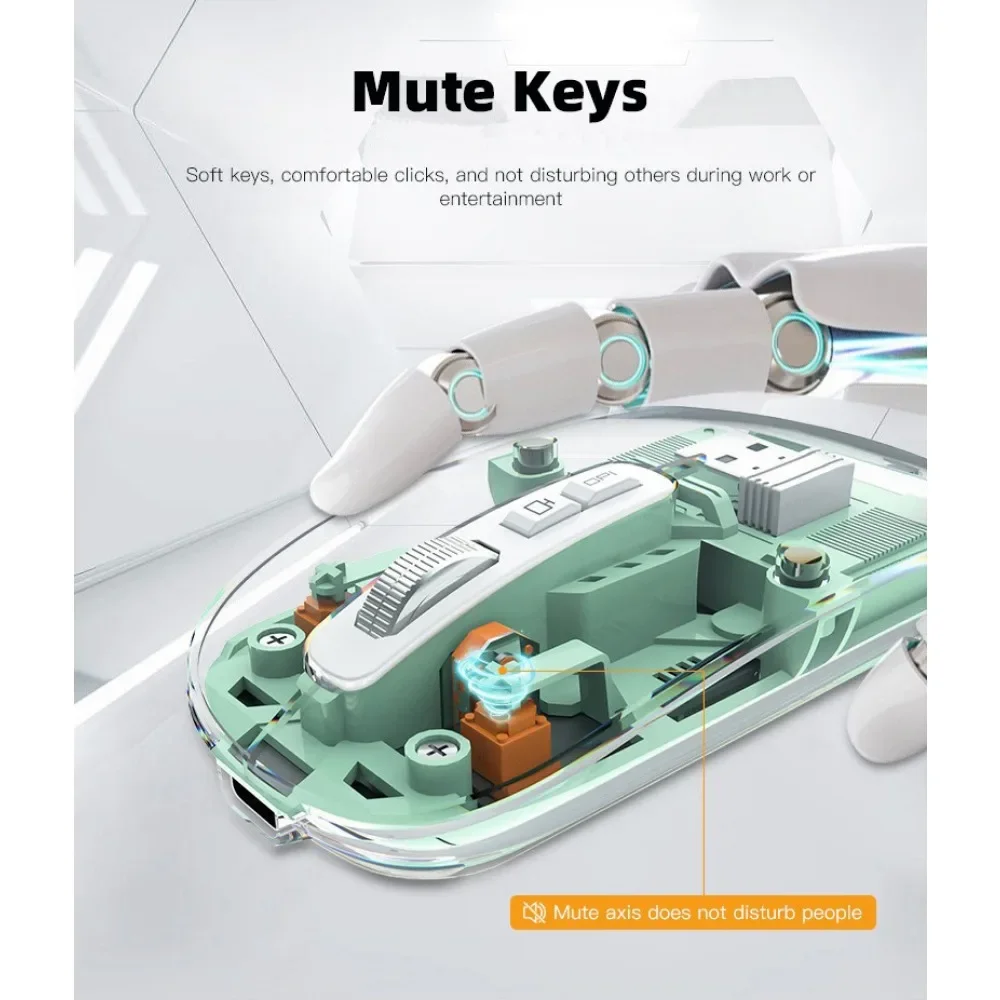
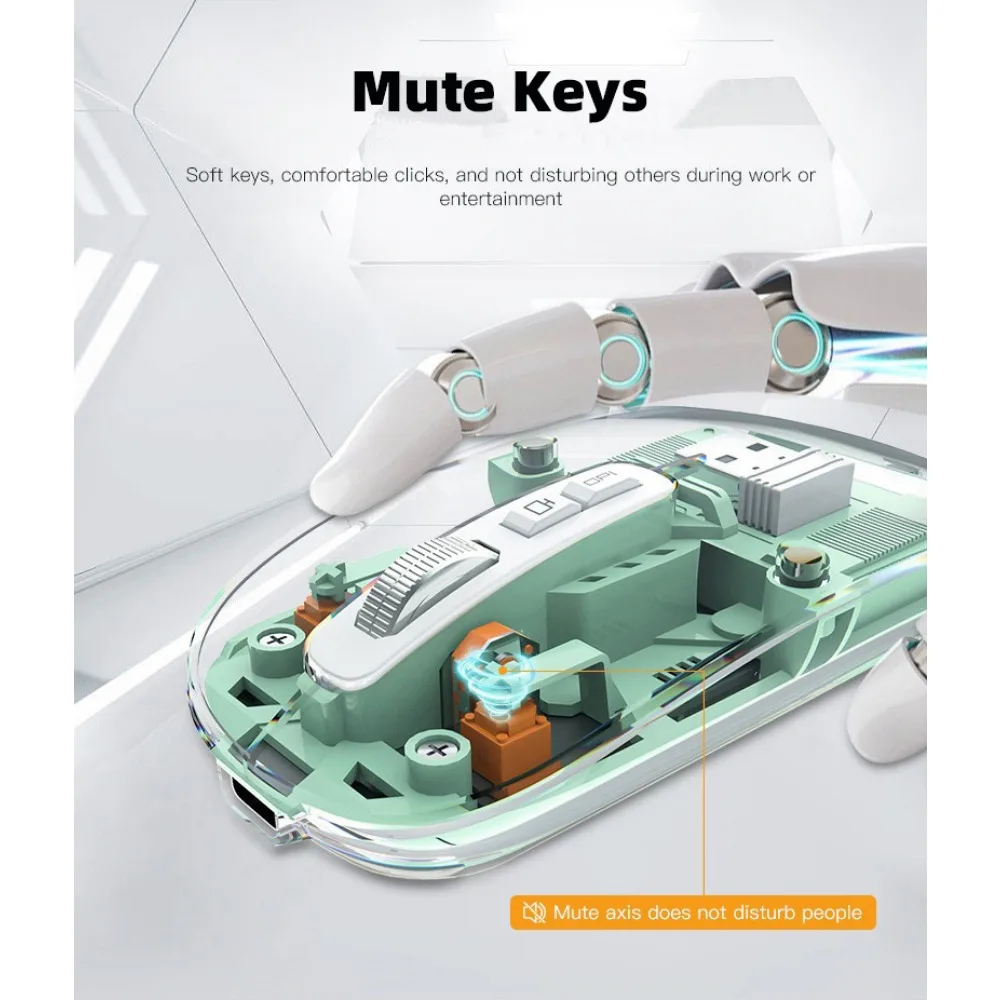
Silent Click: Silent design for left and right buttons creates a quiet environment at home or office.
Breathing Light: Colorful breathing light on the mouse logo changes randomly while in use.
2.4GHz Mode:
The USB receiver is stored in the mouse, open the magnetic cover, take out the USB receiver, plug it into the computer, and then turn it "on".
mouse and switch the "Mode Switch" to 2.4G, just use it easily.
Bluetooth Mode:
Turn the mouse on, switch the "Mode Switch" to BT1/BT2, pair it with your device, and you can use it.
Videos
Videos for this product
