Tablet Lcds & Panels

2023 new Android intelligent 10 inch tablet s23 practical and portable

New 8-inch plug-in smart learning office tablet with 5G communication, wifi, and Bluetooth

10 inch children's tablet learning machine Android system 4G high-definition calling

10 inch Android 4G multilingual WIFI making phone calls, inserting cards, Pad for children's tablets

HK PAD 10 PRO 4GB+32GB Smart Tablet Android 15 10.1inch Business Tablet For Whatsapp Youtube Entertainment Tablet

New 10 Inch Tablet Computer, Business Office High-definition Screen, Card Insertable, Card, Dual Standby
New 10 Inch Tablet Computer, Business Office High-definition Screen, Card Insertable, Card, Dual Standby
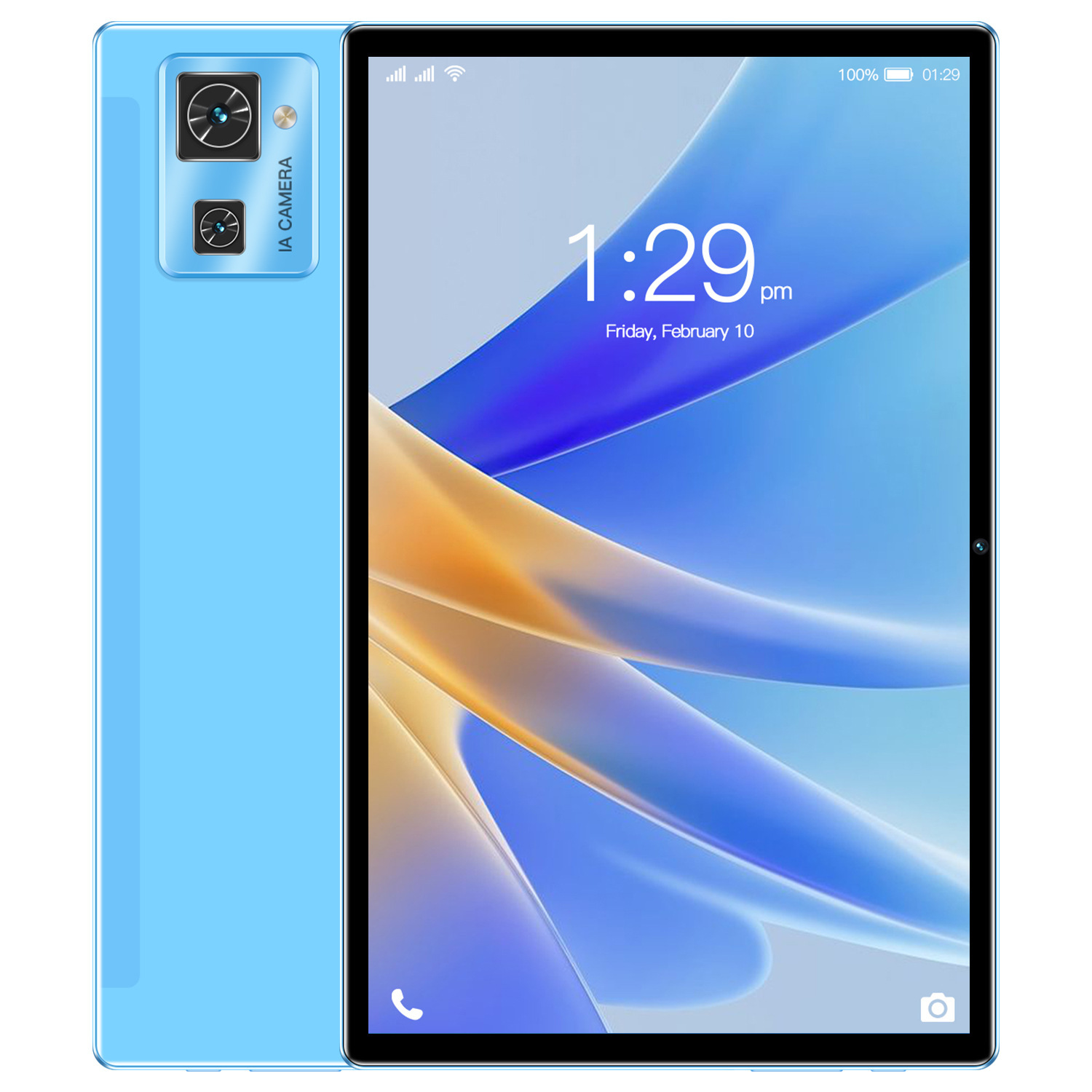
New 10 inch tablet with high-definition screen, gaming tablet, dual SIM, 4G calling

New 4G Phone+8-Core+128GB Android 10.1-inch Gaming Tablet

10 inch tablet K60 Bluetooth game learning card dual standby

Low price 2023 7-inch children's tablet with WiFi, Bluetooth, learning and entertainment in one

New 7-inch children's tablet with stand WiFi office online learning machine 2+16

New 10 inch 2g+16g high-definition student tablet with card insertion for gaming and trade
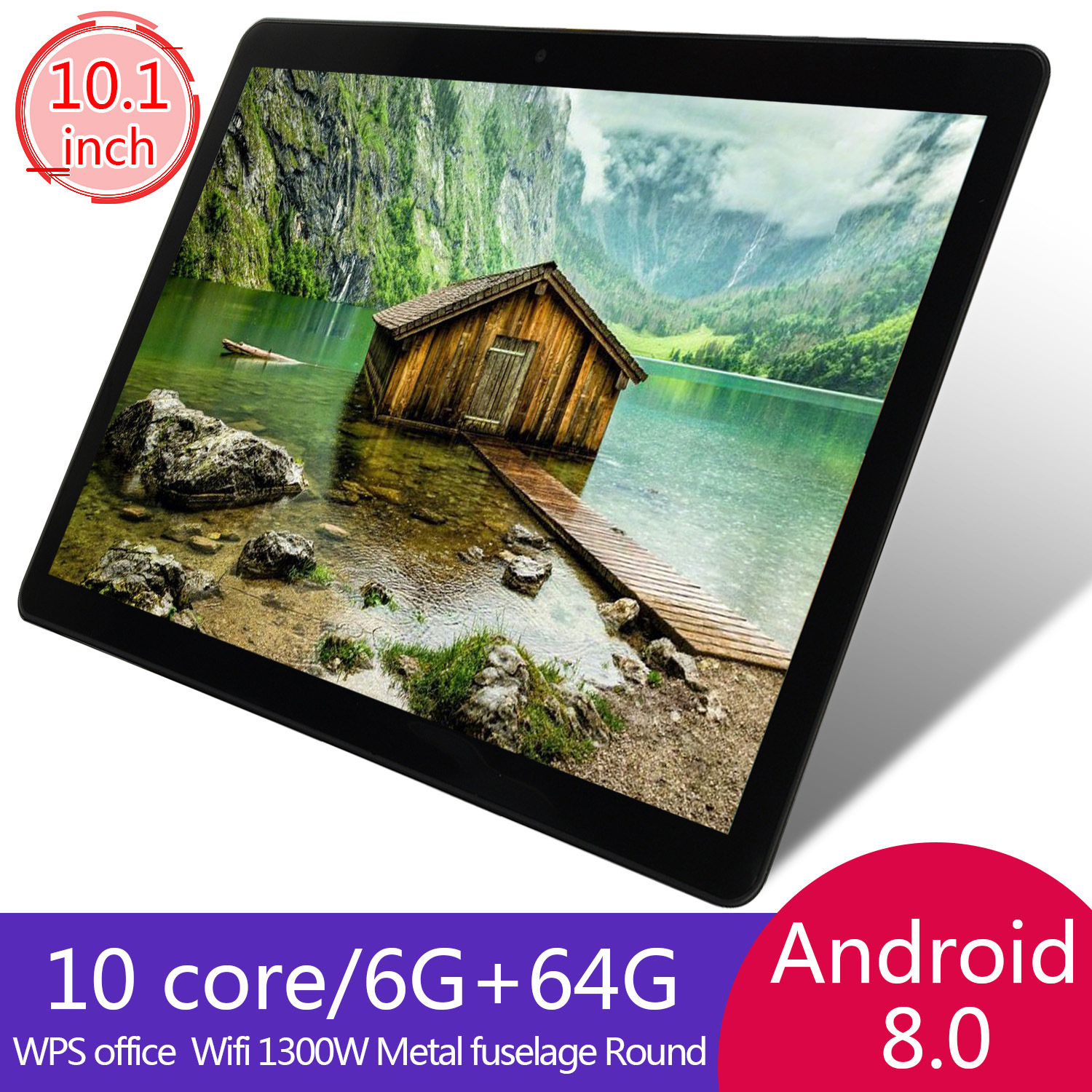
New 10 inch children's tablet with card insertion, full 4G network intelligent learning machine
Tablet LCDs & Panels for Reliable Screen Replacement
Maybe your tablet is too old. Suddenly, reading, sketching, studying, and even simple scrolling feels impossible. Replacing the display can bring it back to life without replacing the whole device.
This guide walks you through what you’re actually replacing, how to confirm compatibility, and how to choose the right tablet LCD and panel assembly with fewer surprises. You can find more writing tablets on sale in Voghion.
Cracked Glass vs. Display Damage — What You’re Actually Replacing
A cracked tablet screen might look dramatic but still show a normal image underneath. In that case, the glass or touch layer may be the main problem, while the LCD is still healthy.
Other times, the glass looks fine, but the display shows weird colors, bright spots, or black patches. That usually points to the LCD panel itself. If your touch screen tablet still responds to taps but the picture is broken, you’re likely dealing with an LCD issue rather than touch. Maybe you will need privacy screen protector to protect your tablet screen.
Compatibility First: Model Numbers, Screen Size, and Connector Types
Tablets that look identical on the outside can use different panels on the inside, even within the same product line. Start with the model number from your tablet’s settings or the back casing. Then compare it to the part listing details—screen size, resolution, and connector placement.
Connector type matters more than most people expect: a cable that’s a few millimeters off can turn an “almost right” screen into a return.
Size is another common trap. People often search by terms like large touch screen tablet, but “large” can mean different dimensions, bezels, and cable layouts. Always verify the measured screen size and the connector position, not just the marketing name. Maybe you will need a tablet keyboard to finish more work.
LCD + Digitizer or LCD Only? Choosing the Right Assembly
Tablet screens are often made of two main layers: the LCD (the image) and the digitizer (the touch). Some models sell these as separate pieces, while others come bonded together as one assembly.
If the image is perfect but touch is dead or glitchy, you might only need the digitizer. If touch works but the display is bleeding ink-like blotches, the LCD is likely the problem.
And if you’re stocking spares for a repair shop or a refurb project, it helps to think in terms of complete tablet replacement parts sets rather than one-off components—especially for models with fragile cables and adhesive-mounted frames.
Common Symptoms That Point to a Failing Panel
Display problems usually show patterns. Here are the most common signs that the panel is failing, loose, or physically damaged:
· Vertical or horizontal lines that don’t move
· Flickering that gets worse at certain brightness levels
· Random dim areas, bright “hot spots,” or color shifts
· A black screen with sound/vibration still working
· “Ink” spreading shapes after an impact
If the tablet turns on but the screen stays dark, you may still be close to a fix. Sometimes it’s a loose connector; other times it’s a damaged backlight circuit. Either way, starting with the correct LCD/panel match gives you the best chance of a clean repair.
After a screen replacement, protecting the new display is a smart next step. A tablet screen protector can reduce scratches and absorb minor impacts, especially if the device travels in backpacks or gets used in classrooms and shared spaces.