



Full View
Articole similare
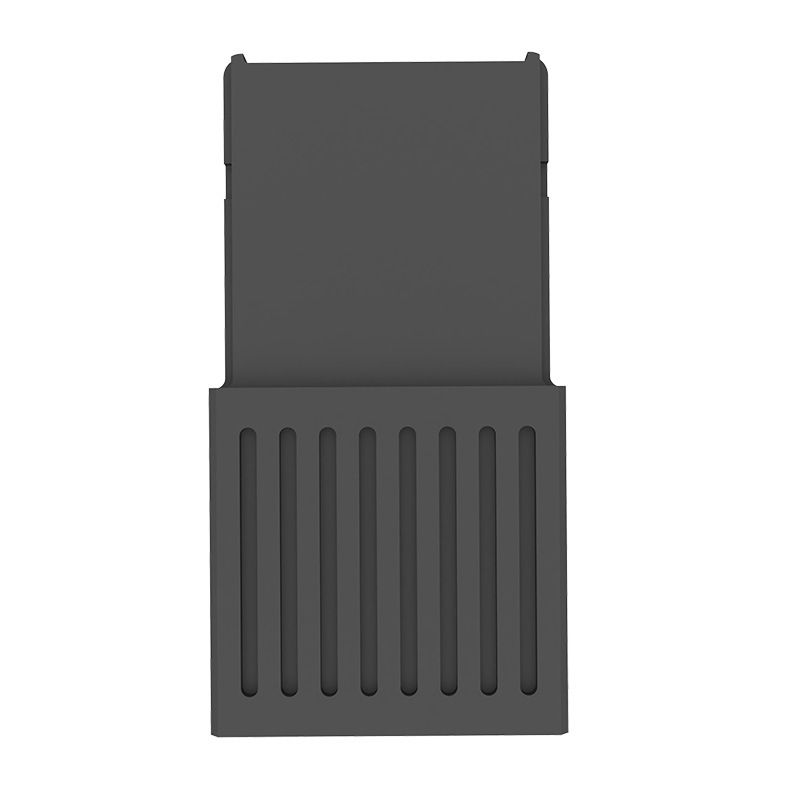
Carcasă externă pentru hard disk SSD CHSN530 de 1 TB pentru Xbox Series X|S Drive-NVMe, care înlocuiește carcasa solidă pentru hard disk pentru Xbox Series X
RON197.73RON299.75
culoare : ca in poza prezentata

Cantitate :
 Customer Service
Raport
Includeți încălcarea drepturilor de autorLivrare standard gratuită. Vezi detalii
Estimată între Tue, May 12 și Sun, May 24
Puteți returna produsul în termen de 30 de zile de la primire. Vezi detalii
Cumpărați cu încredere

Garanția de returnare a banilor
Obțineți articolul comandat sau banii înapoi. Află mai multe
About this item
Provenit din WEIMAI 3C
Seller assumes all responsibility for this listing.Numărul articolului: 27623614
Item specifics
Item description from the seller
Product Features:
-External hard disk Ferrule Shell for Microsoft Xbox Series X/S SSD
-Note: The conversion box is used to connect the hard disk and the host (this product does not include the hard disk and needs to be provided by yourelf)
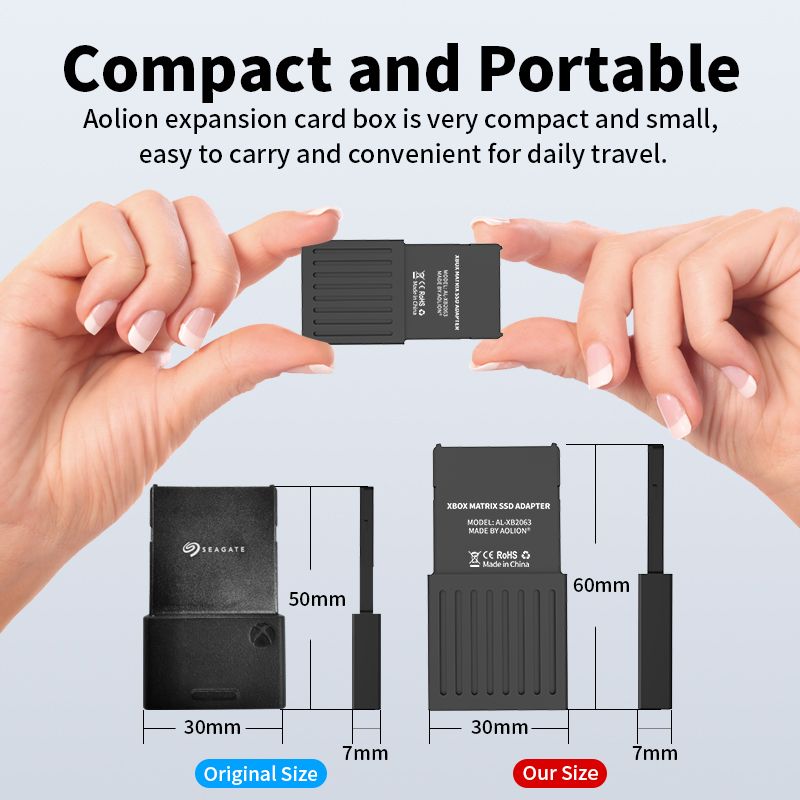
1. High end and beautiful technology black shell, easy to install and carry.
2.Make the hard disk stable and shockproof without vibration
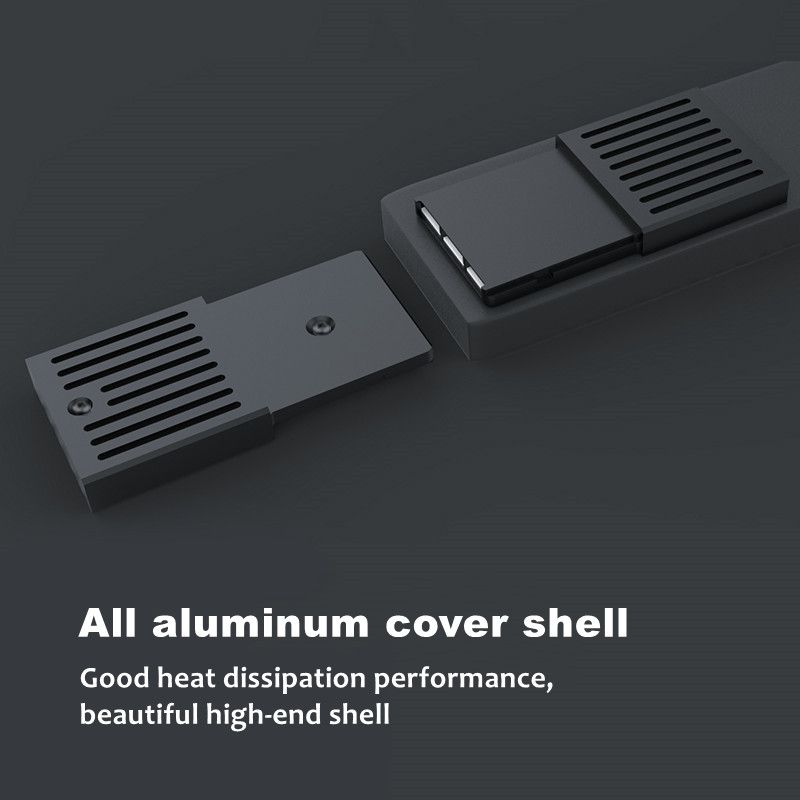
3. The all aluminum alloy body has good heat dissipation performance. It can quickly dissipate the heat
generated by the memory card at high speed and prolong the service life of the hard disk.
4. Fully match the Xbox series X / S Hard disk shell, and feel the super fast loading speed and wonderful game world
Choice and use of hard drive:
1.Please identify the only matching model: Western Digital CH SN530 1TB hard drive (interface is
M.2, size is 2230, protocol is PCIE 4.0X2), other hard drives are currently not compatible.
2.If you bought a brand new Western Digital CH SN530 hard drive, you can use it directly.
3. If you are buying a second-hand hard drive, the hard drive partition format may be wrong, please
confirm with the seller whether the hard drive partition format is MBR, if not, please ask the seller to
convert the partition format to MBR and send it out. If you have a hard drive card reader, you can also
convert by yourself.
Western Digital CH SN530 formatting tutorial:
Step 1: Open Disk Genius software;
Step 2: Delete all partitions;
Step 3: Convert the partition to MBR format;
Step 4: Create a new partition;
Step 5: Save and confirm.
(If the formatting tutorial is unclear, please contact the seller)
Package List:
Hard disk external shell,
Motherboard,
Silicone Sticker,
Screws, Screwdriver
Note: The conversion box is used to connect the hard disk and the host (this product does not include the hard disk and needs to be provided by yourelf)


 4.4 din 5 bazat pe 9,249 recenzii